Reports
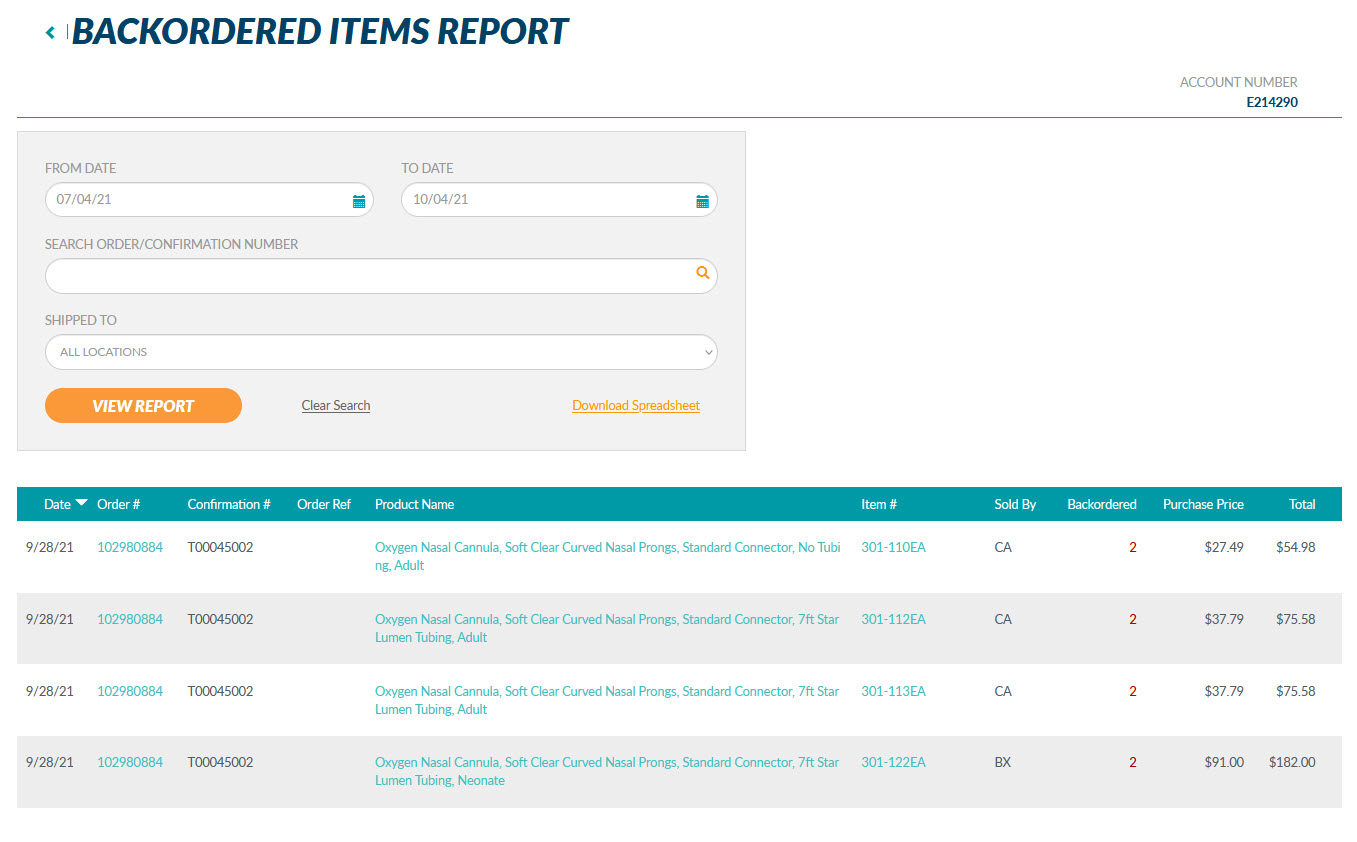
View orders with backordered items, by product for a specified date range, up to 24 months, for all shipping addresses or a specific shipping address with the Backordered Items Report.
When signed in, open the My Account drop down at the top of the page and click on the "Reports" link.
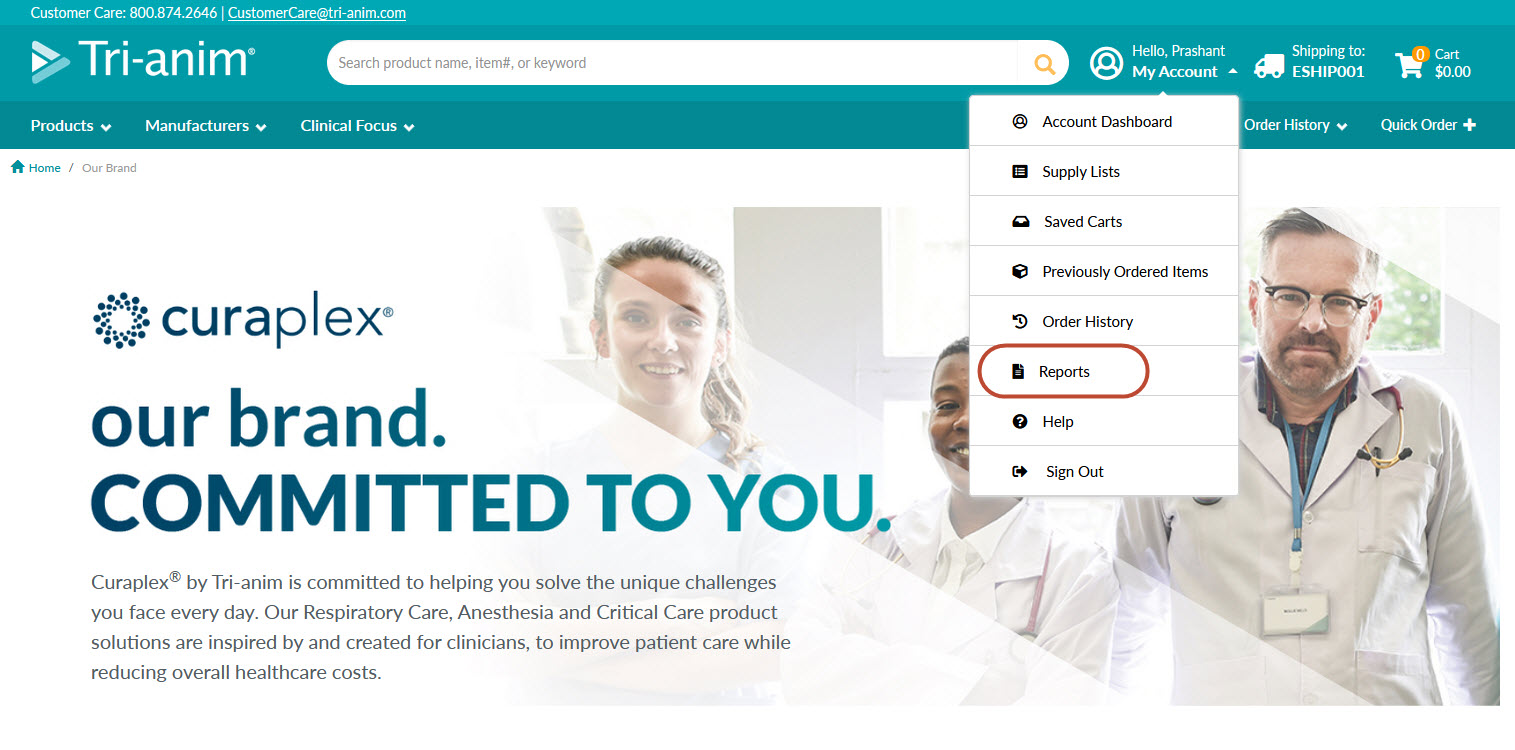
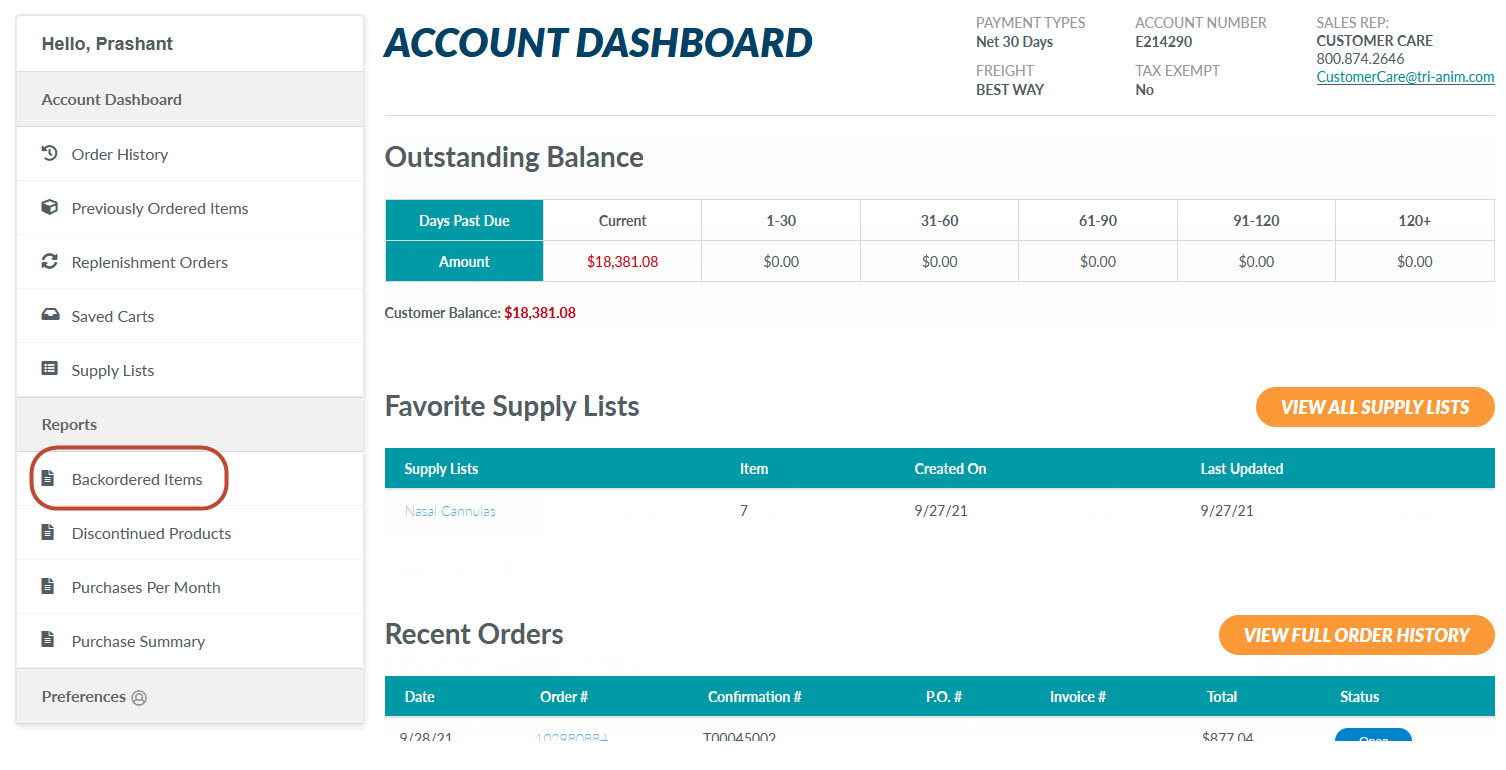
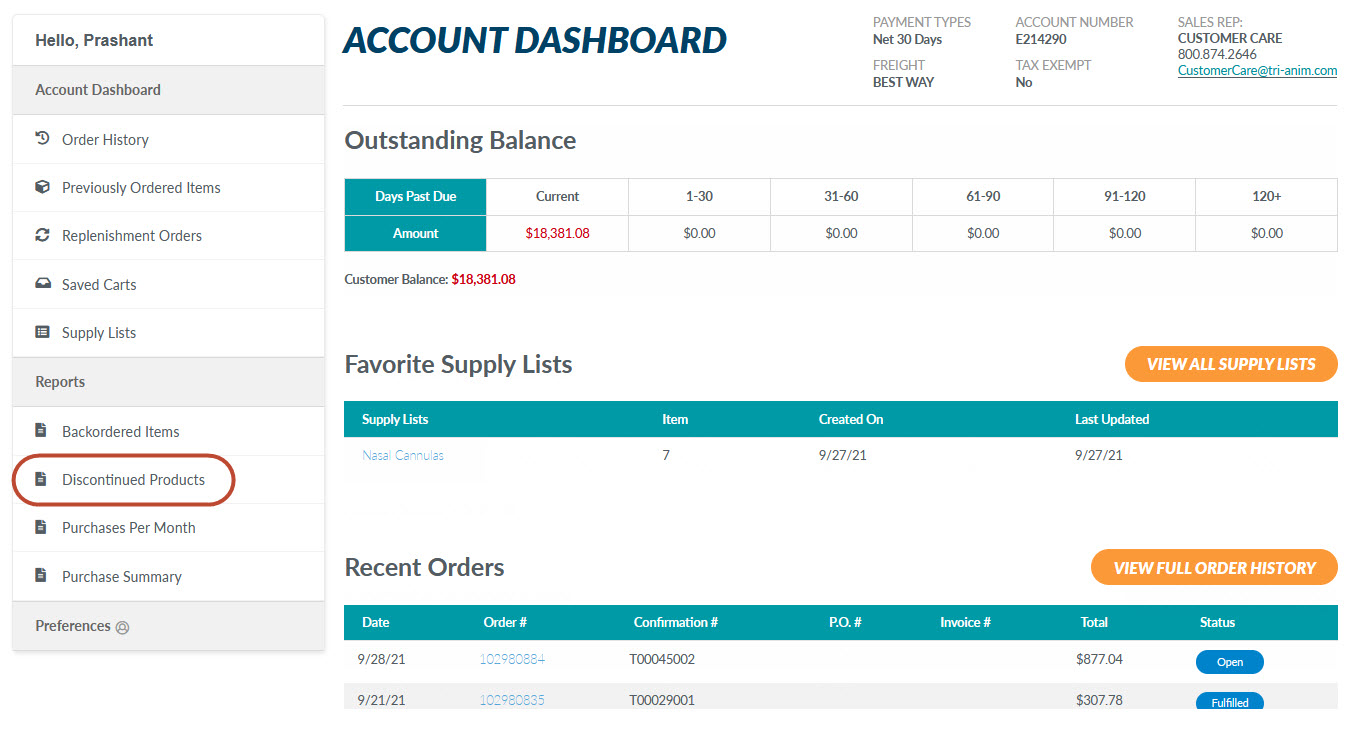
You can also access this Report through the Account Dashboard on the left side of the page.
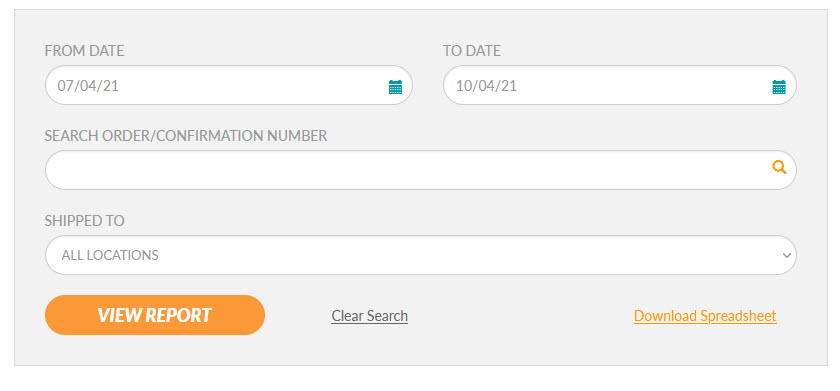
Enter a date range in the "From Date" and "To Date" fields or select them from the calendar icon. You may search for a specific order by typing in the order or confirmation number. Finally, select a shipping address from the "Shipped To" drop down and then click the "View Report" button to view items backordered for the date range or order/confirmation number selected.
Sort your results by date, order number, confirmation number, order reference, product name, item number, unit of measure, the amount of the product that is backordered, purchase price, or total. Click "Download Spreadsheet" to download the results as a .xlxs file for future use. Files of this type may be opened with programs such as Microsoft Excel.
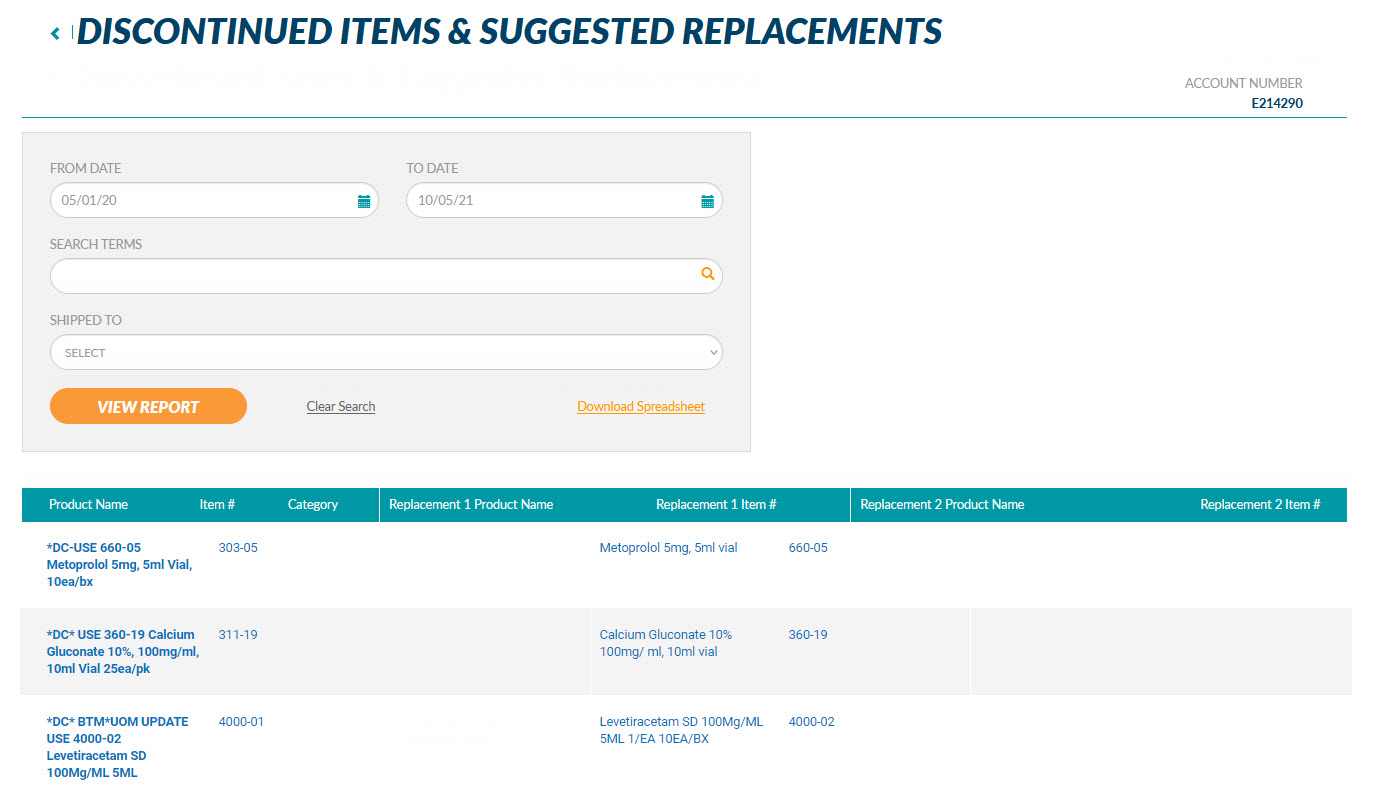
View discontinued products with up to two suggested product replacements, by product for a specific date range, up to 24 months, for all shipping addresses or a specific shipping address with the Discontinued Items & Suggested Replacements Report.
When signed in, open the My Account drop down at the top of the page and click on the "Reports" link.
You can also access this Report through the Account Dashboard on the left side of the page.
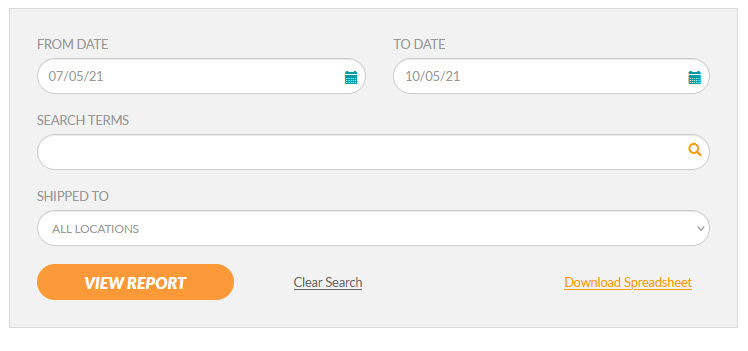
Enter a date range in the "From Date" and To Date" fields or select them from the calendar icon. You may search for a specific product by typing in the "Search Terms" field. Finally, select a shipping address from the "Shipped To" drop down and then click the "View Report" button to view items that have been discontinued during the date range and/or the product number selected. The results will also show any identified replacement items.
Sort your results by product name, item number, category, or the replacement name or item numbers. Click "Download Spreadsheet" to download the results as a .xlxs file for future use. Files of this type may be opened with programs such as Microsoft Excel.
View purchase activity, by product for a specified date range, up to 24 months, for all shipping addresses or a specific shipping address with the Purchase Summary Report.
When signed in, open the My Account drop down at the top of the page and click on the "Reports" link.
You can also access this Report through the Account Dashboard on the left side of the page.
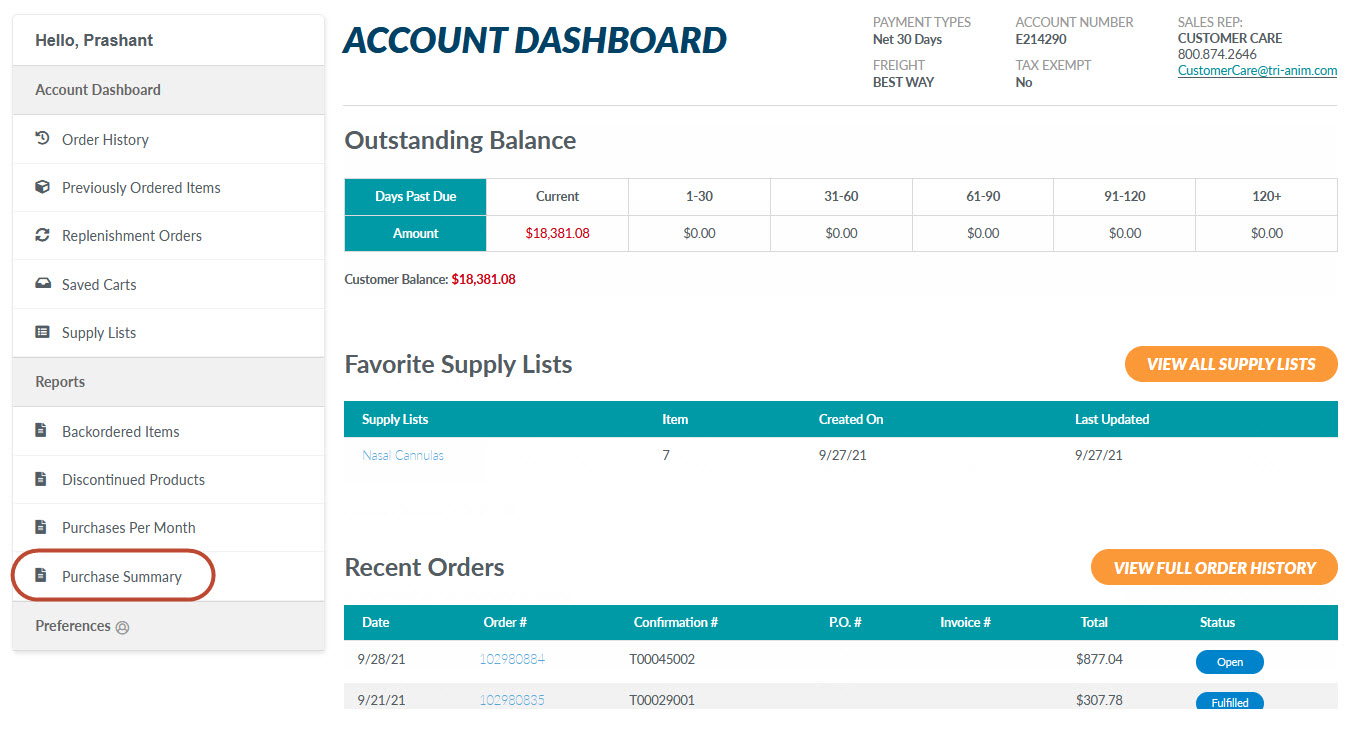
Enter a date range in the "From Date" and To Date" fields or select them from the calendar icon. Next, select a shipping address from the "Shipping Address" drop down. You can also select to group products by shipping address. When finished, click the "View Report" button to view items ordered for the date range and shipping address(es) selected.
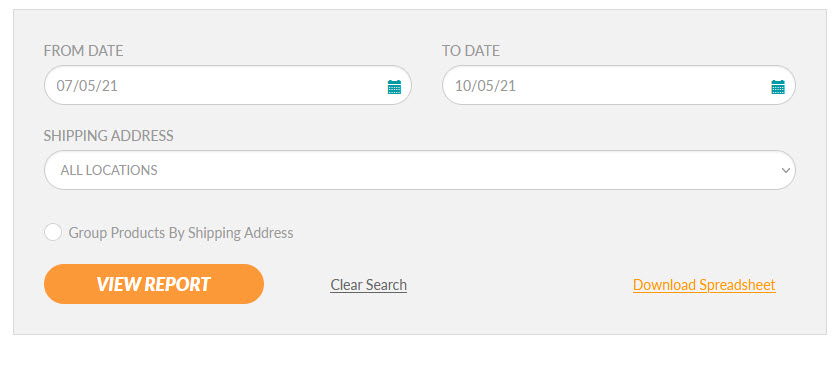
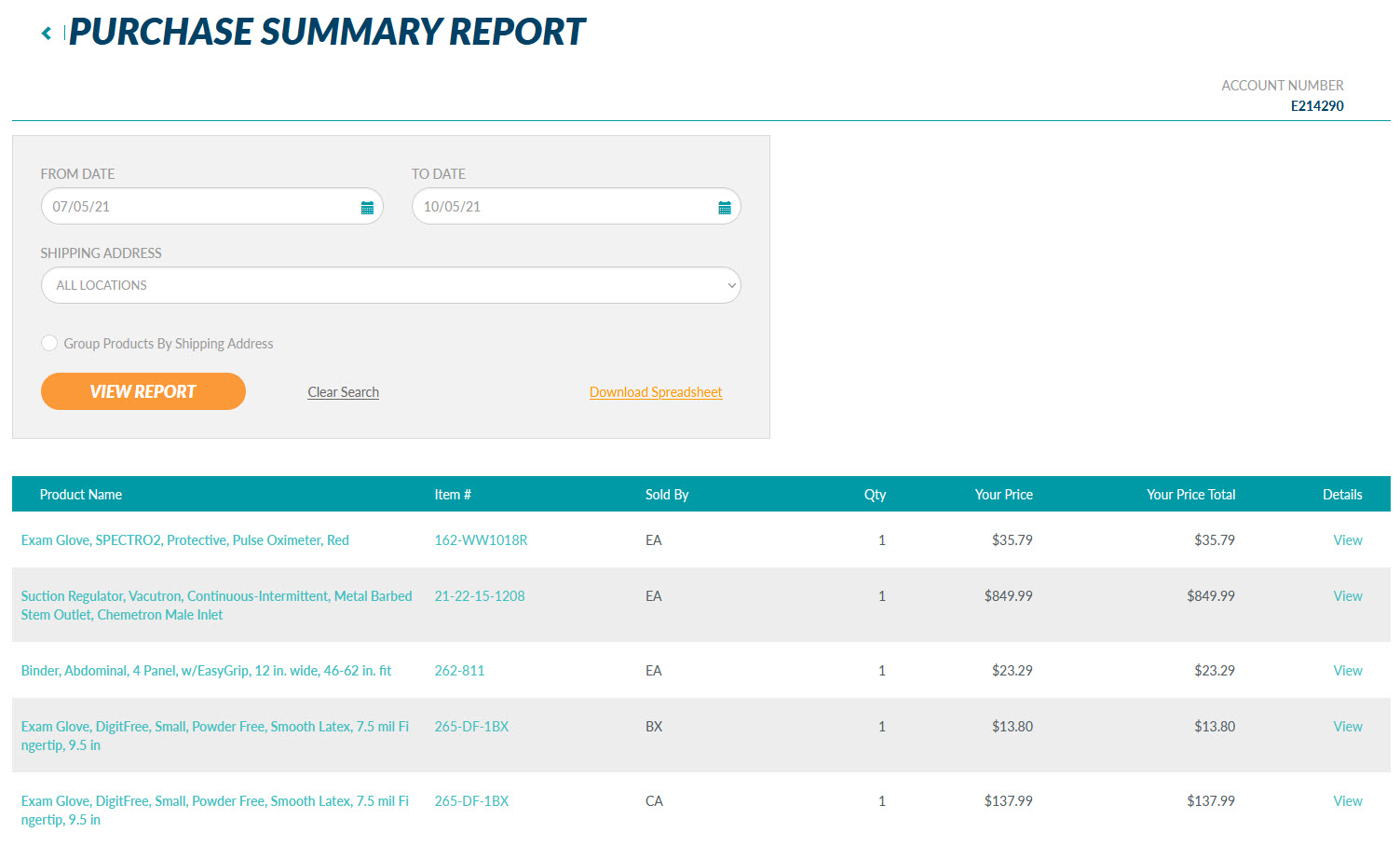
Sort your results by product name, item number, unit of measure, quantity ordered, your price, or your price total. Click the "View" button to see the total number of items purchased per month for the date range selected. Download the results as a .xlxs file for future use. Files of this type may be opened with programs such as Microsoft Excel.
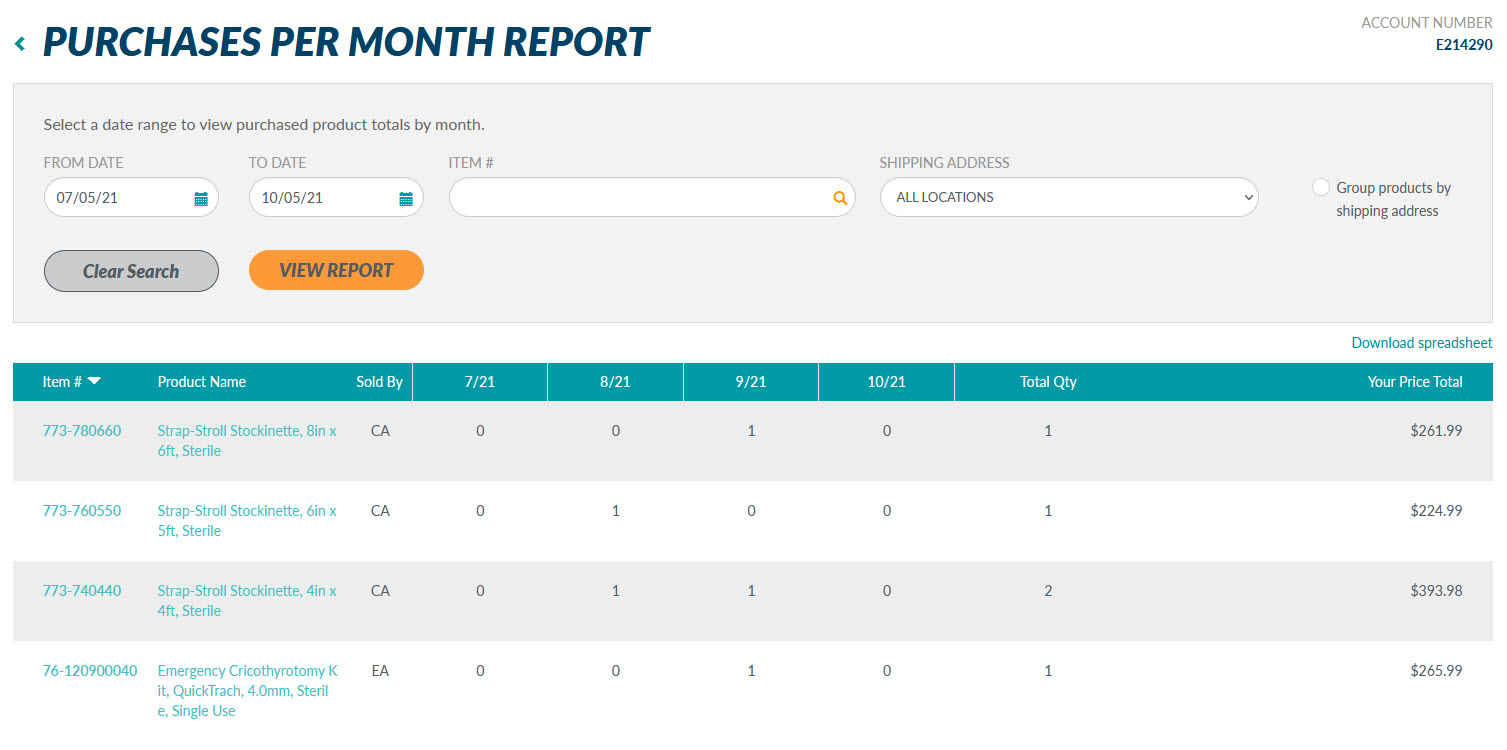
View purchase activity, by product per month, up to 24 months, for all shipping addresses or a specific shipping address with the Purchases Per Month Report.
When signed in, open the My Account drop down at the top of the page and click on the "Reports" link.
You can also access this Report through the Account Dashboard on the left side of the page.
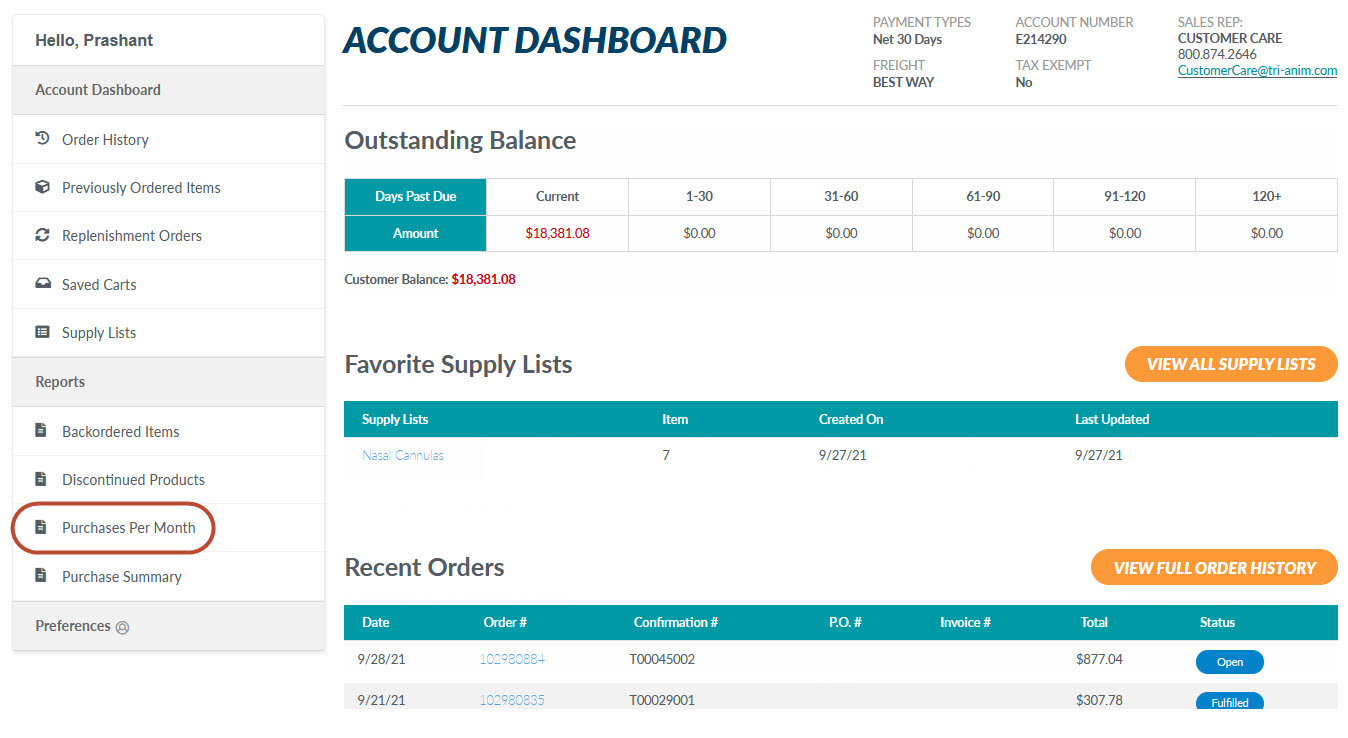
Enter a date range in the "From Date" and "To Date" fields or select them from the calendar icon. You may search for a specific item by typing in the item number. Finally, select a shipping address from the "Shipping Address" drop down. You may also choose to group products by shipping address. Click the "View Report" button to view items ordered for the date range selected.

You may sort your results by item number. Click "Download Spreadsheet" to download the results as a .xlxs file for future use. Files of this type may be opened with programs such as Microsoft Excel.